 MetaTrader 4
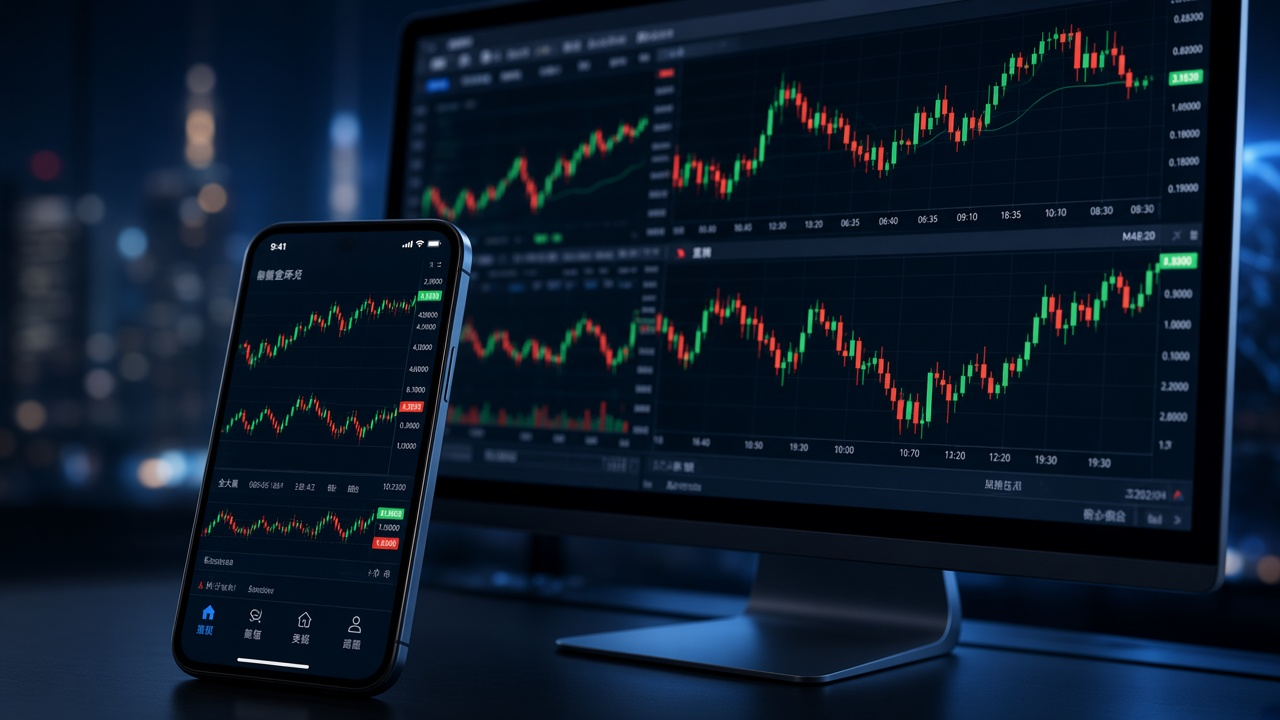
Technical Analysis
Interactive charts, 9 timeframes and 30 built-in technical indicators provide a structured environment for analyzing price action.
MetaTrader 4 is a forex trading platform that brings market quotes, interactive charts, order execution and Expert Advisor automation into one terminal. Trading accounts, quotes, instruments and execution conditions are provided by the broker you connect to.
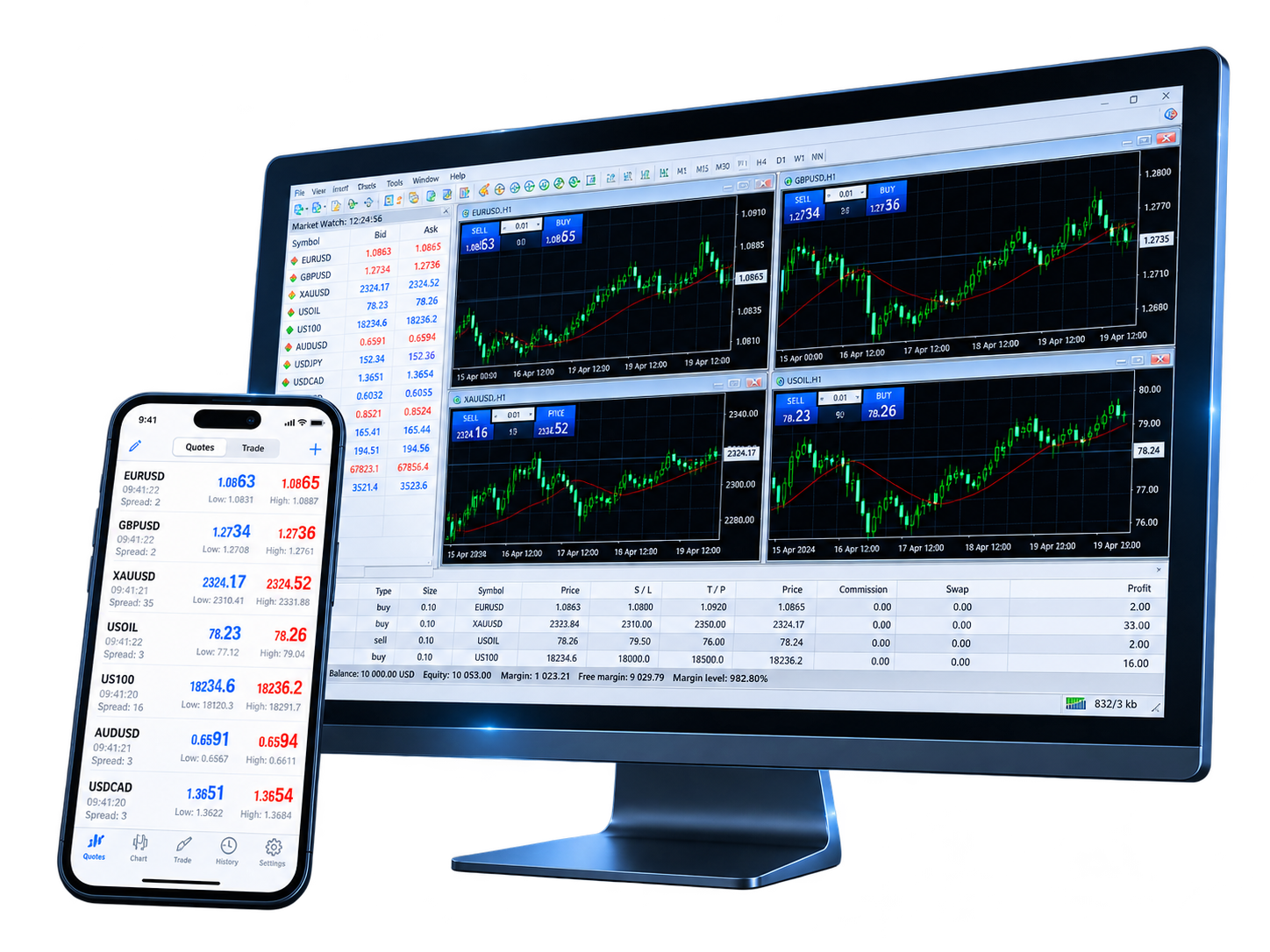
MetaTrader 4 combines manual trading, chart-based analysis and algorithmic trading in one workspace. You can move from market analysis to order management or extend the terminal with MQL4 applications.
Explore trading markets →
Interactive charts, 9 timeframes and 30 built-in technical indicators provide a structured environment for analyzing price action.

Use MQL4 to build Expert Advisors, custom indicators and scripts, then test and optimize automated trading programs with the Strategy Tester.
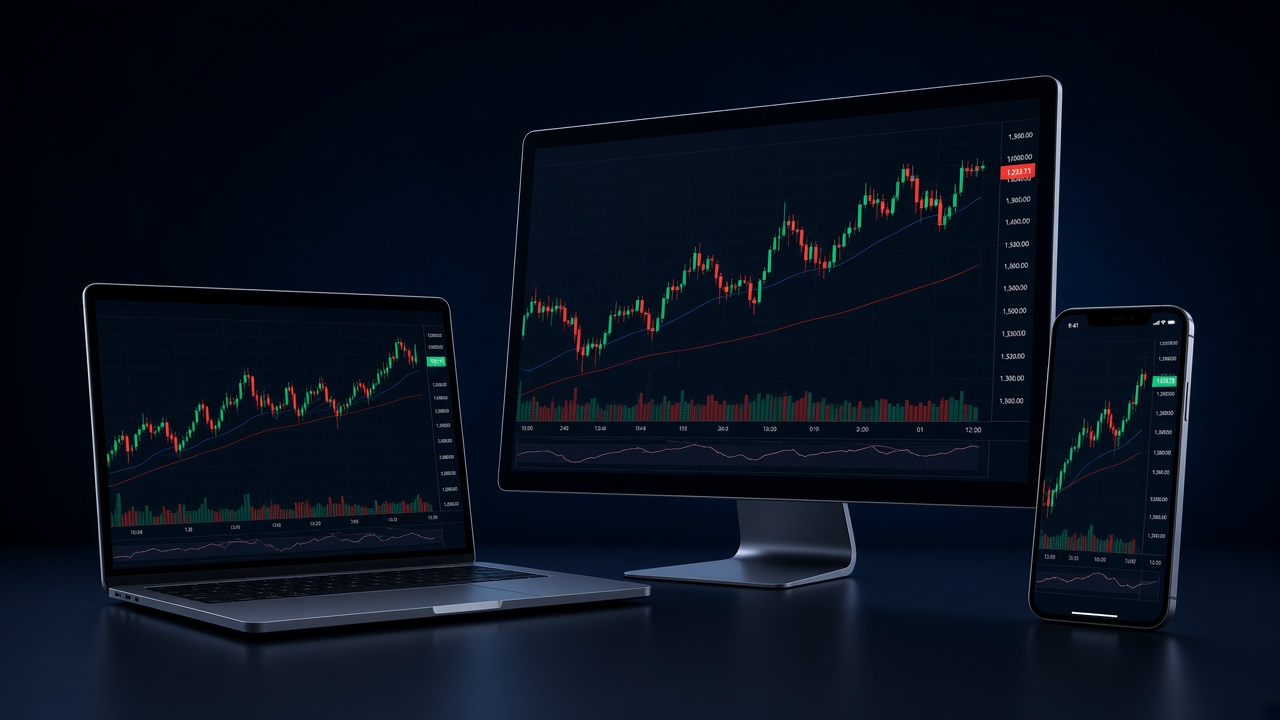
Use the desktop terminal for the full MQL4 workflow, and iOS or Android apps for quotes, charts, orders and account monitoring.
MetaTrader 4 connects to a broker trading server. The instruments available in your account depend on the broker, account type and region.
View trading instruments →Currency pairs offered by your broker

Gold, silver and other metals where available

Oil, natural gas and related contracts

Index instruments depend on your broker

Stock CFDs where offered by your broker

Availability depends on broker and region

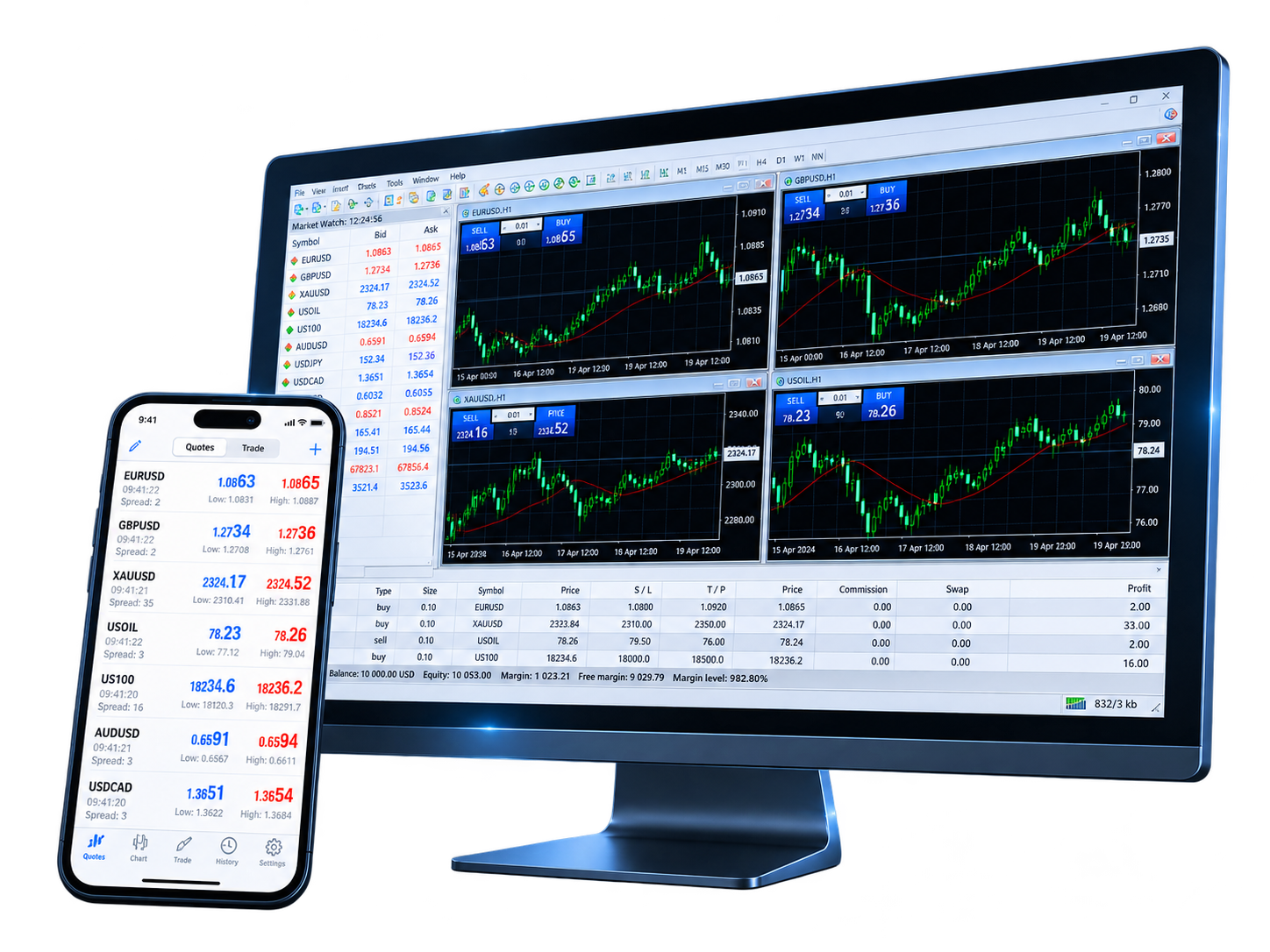
MetaTrader 4 keeps charts, technical indicators, order management and MQL4 applications in one trading workspace, connecting market analysis with manual and automated execution.


These platform specifications summarize the core trading and analysis capabilities built into MetaTrader 4.

Common workflows include chart analysis, Expert Advisor testing, order management and using the same broker account across devices.

Saved chart templates make it easier to reuse the same indicator setup when switching between symbols and timeframes.

The Strategy Tester provides a dedicated workflow for testing Expert Advisors on historical data before evaluating them in a live environment.

The same broker account can be accessed from desktop and mobile, with each terminal suited to different analysis and order-management tasks.

Charts, orders and open positions are kept within the same terminal, reducing the number of steps between analysis and order management.

MQL4 allows custom indicators and scripts to be compiled and loaded directly into the desktop terminal for reusable analysis workflows.

Multiple charts can remain open in the same workspace, making it easier to compare different symbols or timeframes side by side.

Answers to common questions about the MetaTrader 4 platform, trading system, technical analysis, Expert Advisors and broker account connections.
MetaTrader 4 is a forex trading platform that combines interactive charts, technical analysis, order execution and Expert Advisor automation. To get the terminal, use the download page for the version that matches your device.
MetaTrader 4 connects to accounts through a broker trading server. Demo accounts typically use virtual funds, while live accounts use real funds. See the demo account and live account pages for the differences.
MetaTrader 4 supports 2 market orders, 4 pending order types, Stop Loss, Take Profit and Trailing Stop, with 3 execution modes. The execution modes available to an account depend on the broker server.
MetaTrader 4 includes interactive charts, 9 timeframes and 30 built-in technical indicators. Quotes inside the trading terminal come from the broker server you connect to; the homepage market display is sourced from TradingView for reference only.
Expert Advisors are MQL4 programs that can analyze markets and perform trading operations according to programmed rules. Development, testing and local EA execution are part of the desktop trading environment.
MetaTrader 4 provides the trading software. Your broker provides the trading account, server connection, market quotes, available instruments and account-specific trading conditions. Account and login questions are covered in the FAQ.
Choose the MetaTrader 4 version for your device, then connect a broker account to use charts, order management, technical analysis and automated trading tools.