 MetaTrader 4

MetaTrader 4 for Windows
Full desktop terminal with trading, charts, MQL4 and Expert Advisors
 Download now
Windows 10/11; hardware needs depend on terminal workload
Download now
Windows 10/11; hardware needs depend on terminal workload
Choose the MetaTrader 4 version for your device. Use the desktop terminal for the full trading, technical analysis and MQL4 environment; use iOS, Android or WebTrader for quotes, charts, orders and account access.
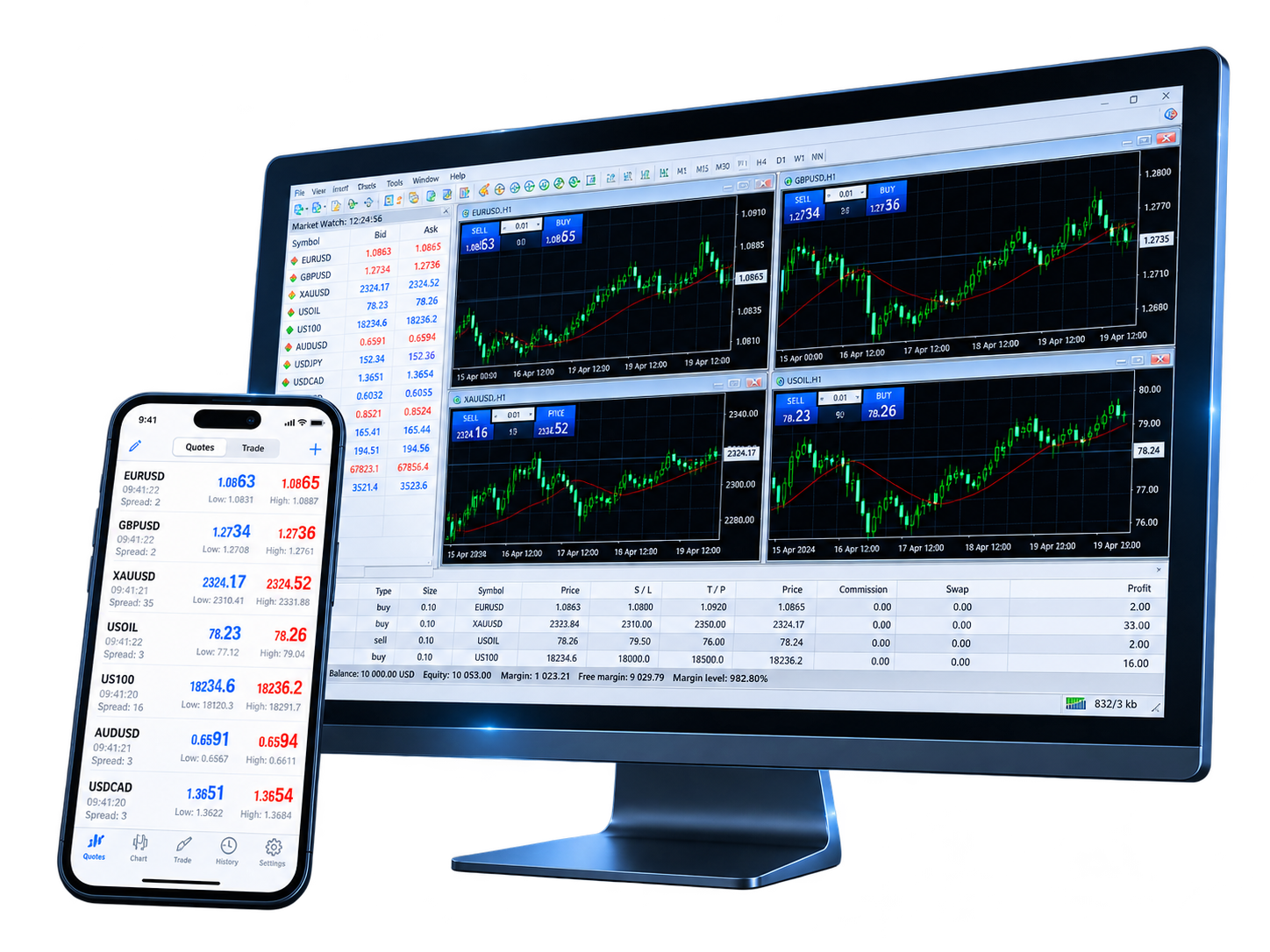
Select a version based on how you plan to use the platform. Desktop provides the full MQL4 and Expert Advisor environment; mobile and web versions focus on market access, charts and order management.
Full desktop terminal with trading, charts, MQL4 and Expert Advisors
Download now
Windows 10/11; hardware needs depend on terminal workload

Desktop trading terminal for supported macOS versions
 Download now
macOS compatibility depends on the current linked package
Download now
macOS compatibility depends on the current linked package
Quotes, interactive charts, trading orders and account history
 Download on the App Store
Current requirements are listed on the App Store
Download on the App Store
Current requirements are listed on the App Store

Market quotes, chart analysis, trading orders and account monitoring
 Download now
Current requirements are listed on Google Play
Download now
Current requirements are listed on Google Play

Open your trading account in a browser without installing desktop software
 Use now
Requires a modern browser and an internet connection
Use now
Requires a modern browser and an internet connection
After choosing a version, install or open the terminal, select your broker server and sign in with the trading account credentials supplied for that account.
Select Windows, Mac, iPhone/iPad, Android or WebTrader
Install the desktop or mobile app, or open WebTrader in your browser
Choose the trading server associated with your demo or live account
Enter the account login and password, then confirm quotes and account status
The MetaTrader 4 versions share the same account connection model, but their capabilities differ. Desktop is designed for the full trading and MQL4 workflow, while mobile and web versions focus on access and order management.

The desktop terminal provides interactive charts, built-in indicators, analytical objects and multiple timeframes for market analysis.

Desktop MetaTrader 4 includes MQL4, MetaEditor and the Strategy Tester for developing, running and testing Expert Advisors, indicators and scripts.

iOS and Android provide interactive quote charts, trading orders, account status and trade history for mobile account access.

WebTrader runs in a browser and provides real-time quotes, trading operations, 30 technical indicators and 9 timeframes without desktop installation.
Desktop and mobile compatibility can change as software and operating systems are updated. Use the current installer or app-store listing to confirm device requirements before installation.
| Platform version | Operating system | Processor | Memory | Storage | Other requirements |
|---|---|---|---|---|---|
| Windows | Windows 10/11 | Compatible processor | Depends on terminal workload | Depends on current installer | Internet connection |
| Mac | Currently supported macOS | See current package compatibility | Depends on terminal workload | Depends on current installer | Internet connection |
| iPhone / iPad | See App Store listing | Compatible iPhone / iPad | Managed by the device | See current app listing | App Store |
| Android | See Google Play listing | Compatible Android device | Managed by the device | See current app listing | Google Play |
| WebTrader | Modern web browser | — | Browser-managed | — | Use now |
Common questions about MetaTrader 4 versions, installation, account login, Expert Advisors and device compatibility.
The MetaTrader 4 terminal is available without a software purchase fee from the linked download sources. Trading accounts, spreads, commissions and other account conditions are set by the broker.
Usually, yes. Use the same broker server and account credentials on supported desktop, mobile and WebTrader terminals. Available instruments and account permissions still depend on the broker.
Open the terminal, select the trading server associated with your broker account, then enter the account login and password. Account creation, password resets and server details are handled by the broker.
Choose desktop if you need MQL4, Expert Advisors and the full desktop analysis environment. Choose iOS or Android for mobile quotes, charts and orders, or WebTrader when you need browser access without installing desktop software.
Expert Advisor development, testing and local execution are desktop functions. The iOS and Android apps focus on quotes, charts, trading orders and account management rather than the desktop MQL4 runtime environment.
Confirm that your operating system is supported by the current installer or app listing. If the terminal opens but the account will not connect, verify the broker server, account login and password.
Choose the desktop, mobile or web version that fits your workflow, then connect the broker account you use for trading.