 MetaTrader 4


MetaTrader 4 Desktop
The desktop terminal provides the full trading system, technical analysis, MQL4, MetaEditor and Strategy Tester environment.
 View desktop versions →
MetaTrader 4 combines order execution, interactive charts, technical analysis and MQL4 automation in one trading platform. Quotes, available instruments and account-specific execution conditions are supplied by the broker server you connect to.
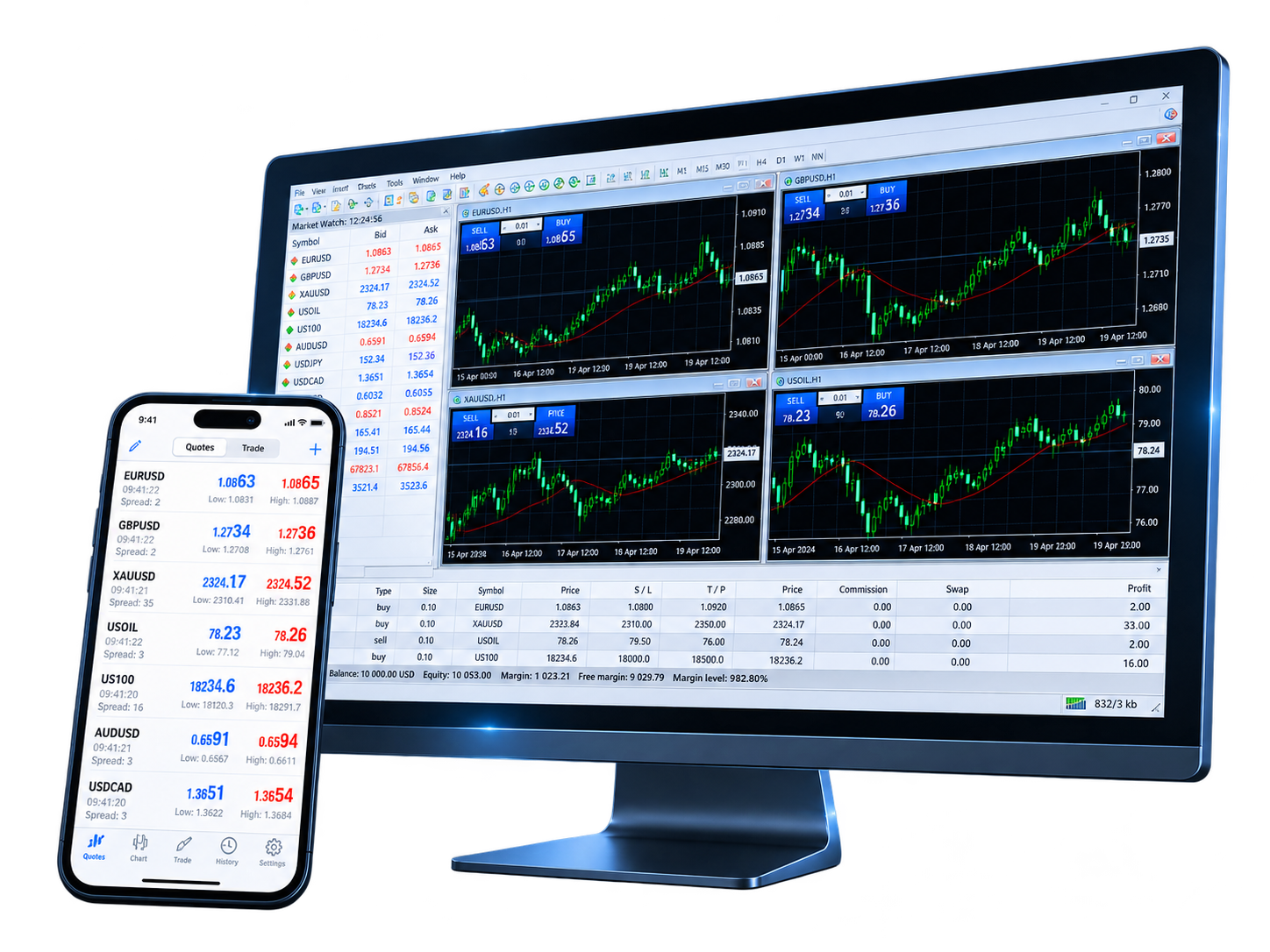
MetaTrader 4 can be accessed through desktop terminals, iOS and Android apps, and WebTrader. The account connection is shared, but each version has a different feature set.
The desktop terminal provides the full trading system, technical analysis, MQL4, MetaEditor and Strategy Tester environment.
View desktop versions →

The iOS and Android apps provide quotes, interactive charts, trading orders, account status and trade history for mobile access.
 View mobile versions →

WebTrader connects to a trading account through a browser and supports quotes, trading operations, 30 technical indicators and 9 timeframes.
 Open WebTrader →

A broker account can generally be used across supported terminals. Account data and trading activity come from the broker server, while each terminal provides its own analysis and order-management tools.
 See trading features →
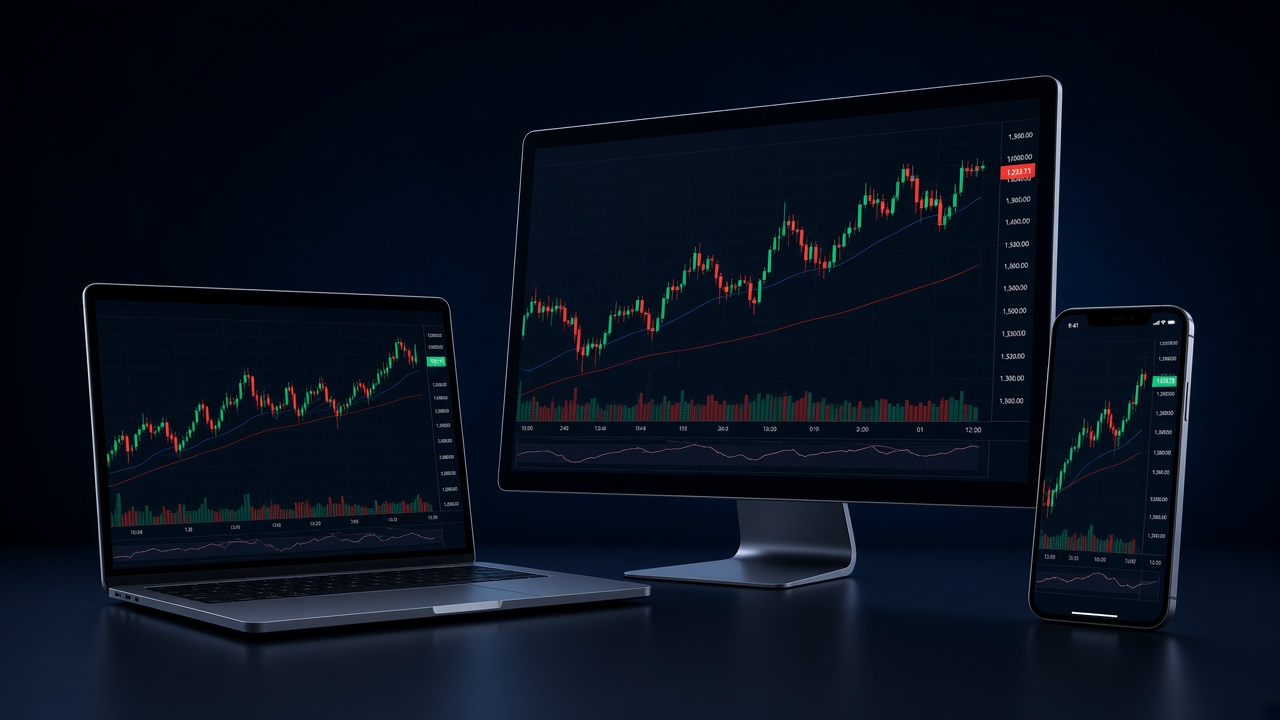
The MetaTrader 4 platform combines a flexible order system, interactive charts, technical indicators and MQL4 applications for manual and algorithmic trading.

Analyze broker quotes with interactive charts, 9 timeframes, 23 analytical objects and 30 built-in technical indicators.

MetaTrader 4 supports 3 execution modes, 2 market orders, 4 pending orders, Stop Loss, Take Profit and Trailing Stop. Available execution modes depend on the broker server.

Expert Advisors are MQL4 programs that can analyze markets and perform trading operations according to programmed rules.

Use MQL4 and MetaEditor to build custom indicators, scripts and Expert Advisors, then load compiled applications into the desktop terminal.

Open multiple charts at the same time and view each symbol across 9 timeframes, from one-minute to monthly charts.

Stop Loss, Take Profit and Trailing Stop can be used to manage open positions, but they do not remove market, execution or price-gap risk.
MetaTrader 4 connects your terminal to a broker trading server. The markets and instruments visible in the platform depend on the broker, account type and region.
All three access methods can connect to a trading account, but the desktop terminal provides the full MQL4 environment while mobile and web versions focus on market access, charts and orders.
| Comparison | Desktop | Mobile | WebTrader |
|---|---|---|---|
| Installation | Required | Required | Not required |
| Main capabilities | Trading, analysis and MQL4 | Trading, charts and account access | Browser trading and analysis |
| Order access | Full trading system | Trading orders | Trading operations |
| Technical analysis | 30 indicators / 9 timeframes | Built-in indicators and interactive charts | 30 indicators / 9 timeframes |
| MQL4 / Expert Advisors | Develop, test and run | No desktop MQL4 runtime | No desktop MQL4 runtime |
| Typical use | Full trading and algorithmic workflow | Mobile monitoring and order management | Browser access without desktop installation |
MetaTrader 4 combines order execution, interactive charts, technical analysis, MQL4 and Expert Advisor automation, with access through desktop, mobile and WebTrader terminals.
The desktop terminal provides the full trading, MQL4, MetaEditor and Strategy Tester environment. Mobile apps focus on quotes, charts, orders and account access, while WebTrader provides browser-based trading and technical analysis.
MetaTrader 4 supports 2 market orders, 4 pending order types, Stop Loss, Take Profit and Trailing Stop, with 3 execution modes. For installation, use the download page; the execution modes available to an account depend on the broker server.
MetaTrader 4 provides interactive charts, 9 timeframes, 23 analytical objects and 30 built-in technical indicators. Available trading instruments are separate from platform analytics and depend on the broker; see Services.
MQL4 is the programming language used to build Expert Advisors, custom indicators and scripts. Expert Advisors can automate analysis and trading operations, while the Strategy Tester is used to test and optimize programs.
Yes. The desktop environment includes MQL4 and MetaEditor for custom indicators, scripts and Expert Advisors. Mobile and WebTrader do not provide the same MQL4 development environment.
MetaTrader 4 provides the trading software. The broker server provides market quotes, available instruments, spreads, leverage, execution settings and account-specific trading conditions.
MetaTrader 4 can connect to the instruments made available by a broker server. Forex, metals, energy, indices, stock CFDs or other products may be available depending on the broker and account type.
A live account is opened by a broker. After receiving the server name, account login and password, connect the account in MetaTrader 4. See Open a live account for the account relationship.
Choose the desktop, mobile or WebTrader version for your workflow, then connect the broker account you use for market access and trading.


