A MetaTrader 4 demo account uses virtual funds so you can practice charts, order entry, technical analysis and Expert Advisors without using real money. Demo accounts are created through supported broker servers or provided by brokers.
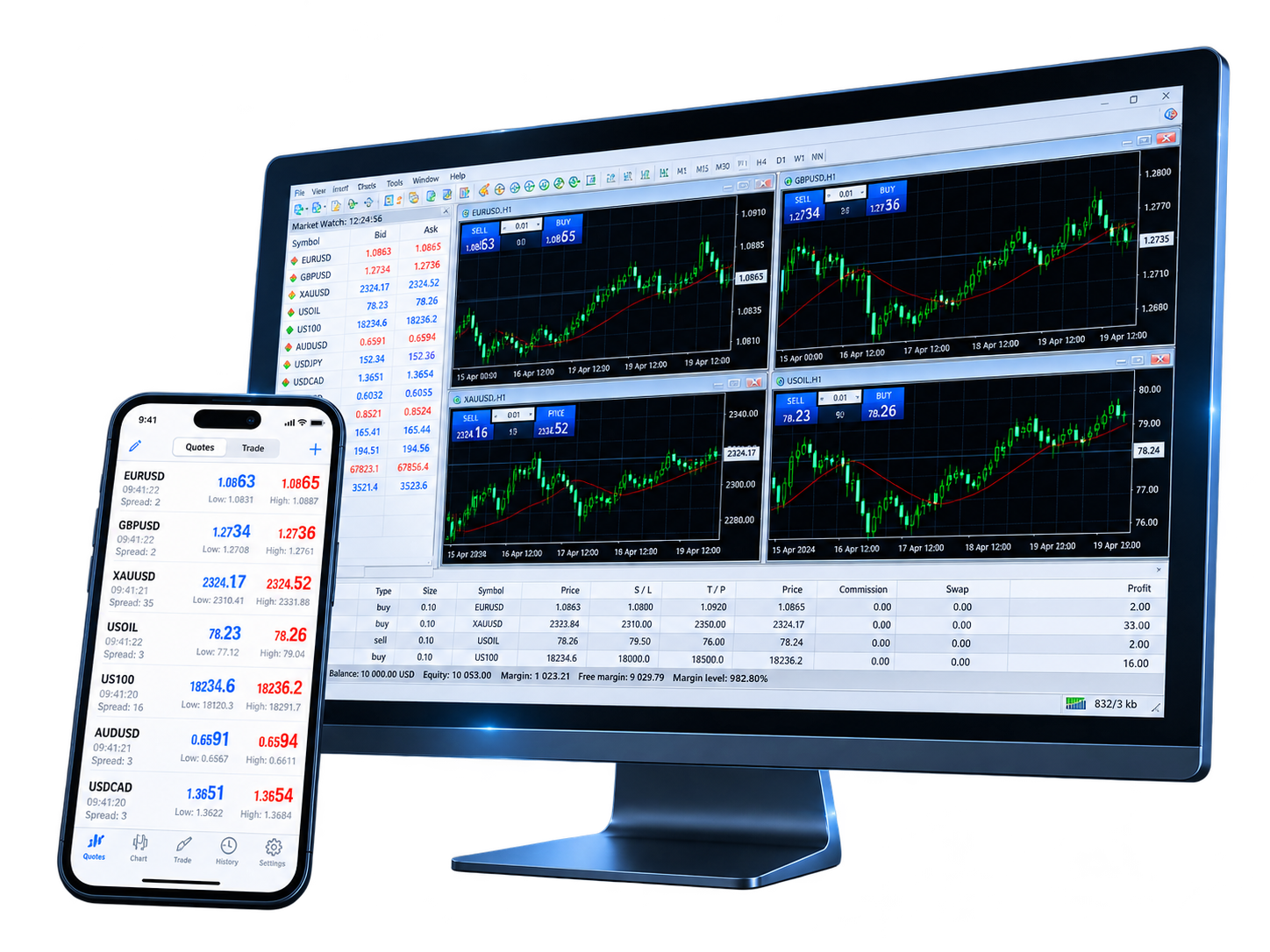
Creating a demo account can involve selecting a trading server and providing basic account details. The fields below illustrate common setup information and do not create an account on this page.
MetaTrader 4 can create demo accounts through supported broker servers, while brokers may also provide demo credentials. Account type, virtual deposit, leverage, symbols and server settings depend on the broker environment.
The information entered here does not create a trading account. In MetaTrader 4, select a supported broker server to create a demo account, or sign in with demo credentials provided by a broker.
The setup process connects a demo account to a broker trading server before you begin practicing in the terminal.
Choose a supported trading server in MetaTrader 4 or follow the demo-account setup process provided by the broker.
Complete the required demo-account details, then obtain the login, password and server information for the account.
Use the demo server, account login and password to connect the terminal. You can also open WebTrader when browser access is available for the account.
A demo account is mainly used to learn the platform, test order workflows and observe how a strategy behaves without using real funds.
 Practice order entry
Use virtual funds to practice market orders, pending orders, Stop Loss and Take Profit
 Learn technical analysis
Work with charts, timeframes, technical indicators and analytical objects
 Test Expert Advisors and strategies
Use Expert Advisors and the Strategy Tester to evaluate program logic and parameters
 Understand demo vs live differences
Demo results do not guarantee the same fills, slippage or performance on a live account
Install the MetaTrader 4 version for your device, then select the appropriate broker server and connect a demo account to practice charts, orders and Expert Advisors.
 MetaTrader 4