 MetaTrader 4
Executed trades create actual profit or loss that is reflected in the live account balance
A MetaTrader 4 live account uses real funds and is opened by a broker, not inside the trading terminal. The broker handles account approval, identity verification, funding and account conditions; MetaTrader 4 is used to connect with the server, login and password provided for that account.
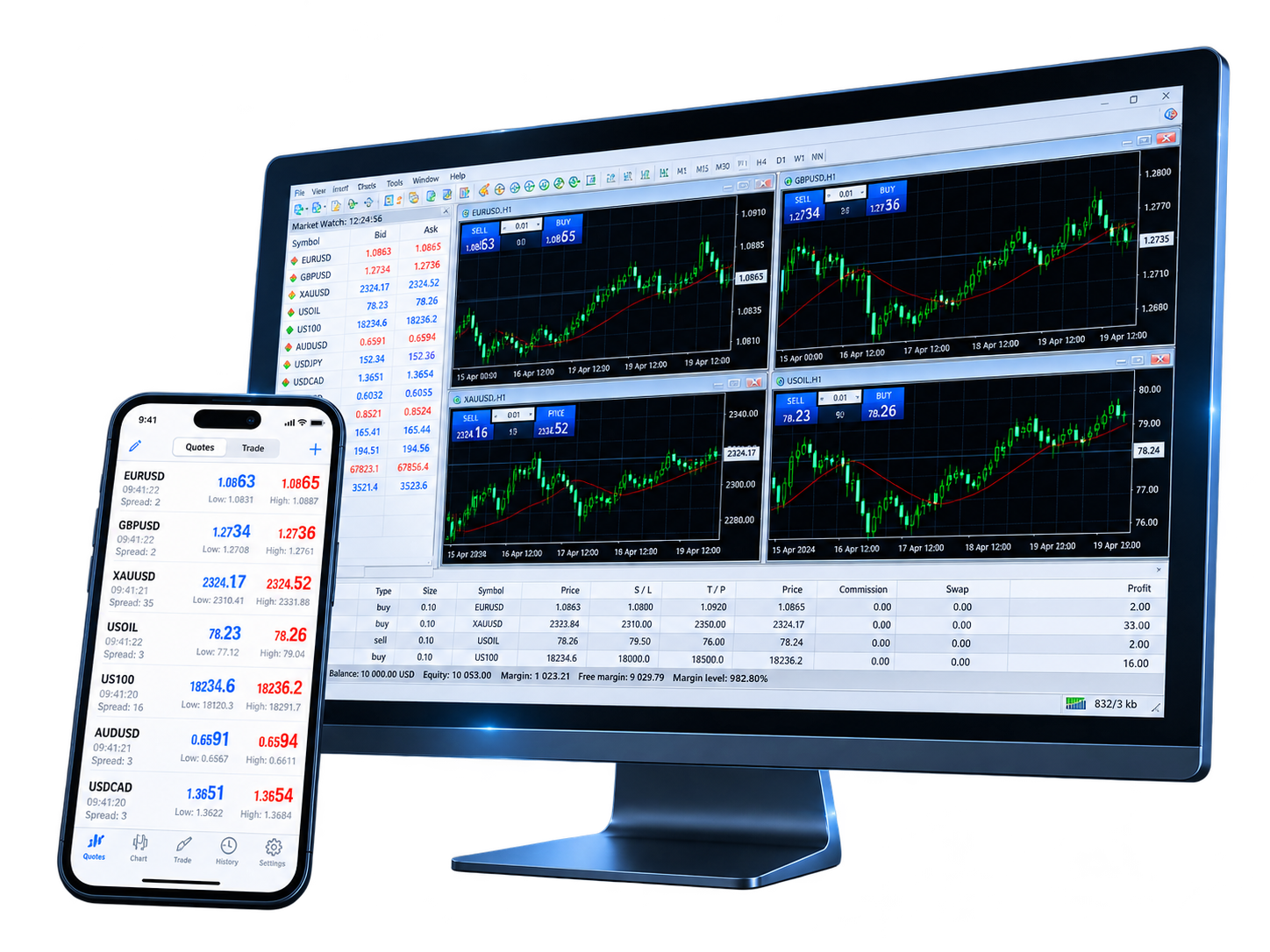
A live account connects the MetaTrader 4 client terminal to a broker trading server. MetaTrader 4 provides the trading interface and tools; the broker controls the account, quotes, instruments, funding and execution conditions.
Executed trades create actual profit or loss that is reflected in the live account balance
Charts, indicators, market and pending orders, Stop Loss, Take Profit and Expert Advisors are available within the terminal and account permissions
Quotes, spreads, trading hours, slippage and execution settings depend on the broker and the connected trading server
A live account creates real financial outcomes. You can first use a demo account to learn order entry and platform tools before deciding whether to trade with real funds
A live account cannot be created directly inside the MetaTrader 4 terminal. The broker opens and approves the account first, then provides the credentials used to connect it to the platform.
Complete the broker’s account application and identity-verification process. KYC, eligibility checks and approval rules are handled by the broker.
After approval, the broker provides the trading server, account login and password, together with the account type, funding method and applicable trading conditions.
Select the correct broker server and enter the account login and password. Browser access may also be available through WebTrader.
Broker-opened account · Real funds · Account-specific trading conditions
Both account types can connect to MetaTrader 4, but the funds, server conditions and execution environment are not the same.
| Item | Demo account | Live account |
|---|---|---|
| Funds | Virtual funds (amount set by the broker) | Real money |
| Market prices | Demo-server quotes | Live-account server quotes |
| Trading features | Platform tools for practice | Platform tools for real trading |
| Products | Symbols provided by the demo server | Symbols provided by the live account server |
| Risk | No real financial profit or loss | Real financial profit or loss |
| Best for | Platform practice, order testing and strategy observation | Real-money trading and account management |
Common questions about account opening, funding, broker servers, quotes and the relationship between demo and live accounts.
No. A live trading account is opened and managed by a broker, not created directly inside the MetaTrader 4 client terminal. Identity verification, account approval and funding are also broker responsibilities.
The broker handles account funding. Minimum deposits, payment methods, base currencies, processing times and any related fees depend on the broker and account type.
Yes, in many cases. Demo and live accounts can be accessed through the same MetaTrader 4 terminal, but the login, server, funds and trading conditions remain separate. See demo accounts.
Approval time depends on the broker, identity-verification requirements, jurisdiction and account type. MetaTrader 4 software itself does not review or approve live accounts.
Quotes in the terminal come from the connected broker server. Different brokers, servers and account types can provide different quotes, spreads and available instruments.
Open a separate live account with a broker, complete any required verification and funding, then sign in to MetaTrader 4 with the live-account server, login and password. Demo balances cannot be transferred.
Install the MetaTrader 4 version for your device, then use the broker-provided live-account server, login and password to connect. Funding, instruments and trading conditions remain broker-managed.